Staying Safe Online: For the Older Generation
Week 7: Using Digital Images
Task 1: The stages of the creative process
| Aspect | Description |
|---|---|
| PREPARATION | For my research topic, I employed various preparation techniques such as research, immersion, gathering and consumption. Initially, I researched the topic of online safety as it was a topic that piqued my interest. During my research, I noticed the gap in public awareness of online safety for the older generation. To address this issue, I sorted to gather all the resources I could on the topic and immersed myself in what resources I could find. Finally, I academically researched the solutions to this problem. |
| INCUBATION | During the incubation phase, I engaged in various activities such as exploring, experimenting, synthesising, and brainstorming. Through my initial research, I narrowed down and refined my topic area, which enabled me to further synthesise my idea and create a concise research objective that could be explained in a few sentences. Additionally, I used a moodboard to collate and organise my thoughts for a more structured approach to the incubation process. |
| IDEATION | During the ideation stage, one experiences eureka moments and further develops their ideas. I had my first breakthrough when I came up with my initial project idea, and then went on to refine it. While researching various website essays, like pudding.cool, I drew immense inspiration that helped me refine my project idea into what it is today. |
| EVALUATION | In order to effectively develop my ideas and ensure clarity in my project, self and peer-reflection is crucial for my topic. Despite having strong information literacy skills, it is important for me to consider the perspective of someone who may not possess the same level of expertise. This lens allows me to critique my work and ensure that my objective remains consistent throughout. Additionally, self-assessment enables me to chart a clear path towards achieving my goals and efficiently developing my project. |
| IMPLEMENTATION | The development of my idea begins with this stage, although it may seem daunting with proper planning and I feel like I can approach the development stage head-on. |
Task 2: Analyse the use of images on the web
Chosen Websites
- Age UK - Internet Security
- StaySafe.org - Cyber Safety Tips for Adults
- Lewisham Gov - Online Safety
- Good Things Foundation - Digital Inclusion and Online Safety for Adults in the UK
Image Analysis
The purpose of these images on the website is to enhance the information being conveyed. However, they are not very clear or helpful for older people who are not familiar with the internet. Many of the images seem to serve no real purpose and are just there for visual appeal. While they are meant to complement the text, they do not really help to convey the ideas or promote a better understanding of the content. The images are a mix of real-world pictures (raster) and illustrations (vector), intended to make the website more visually attractive.
Examples:



Task 3: Generate a portfolio of images
This task involved collecting some images from a plethora of image databases, I then added these to my moodboard which can be viewed below. I also added them to my Meta justification table, which can be viewed here.
Task 4: Optimising images for web use
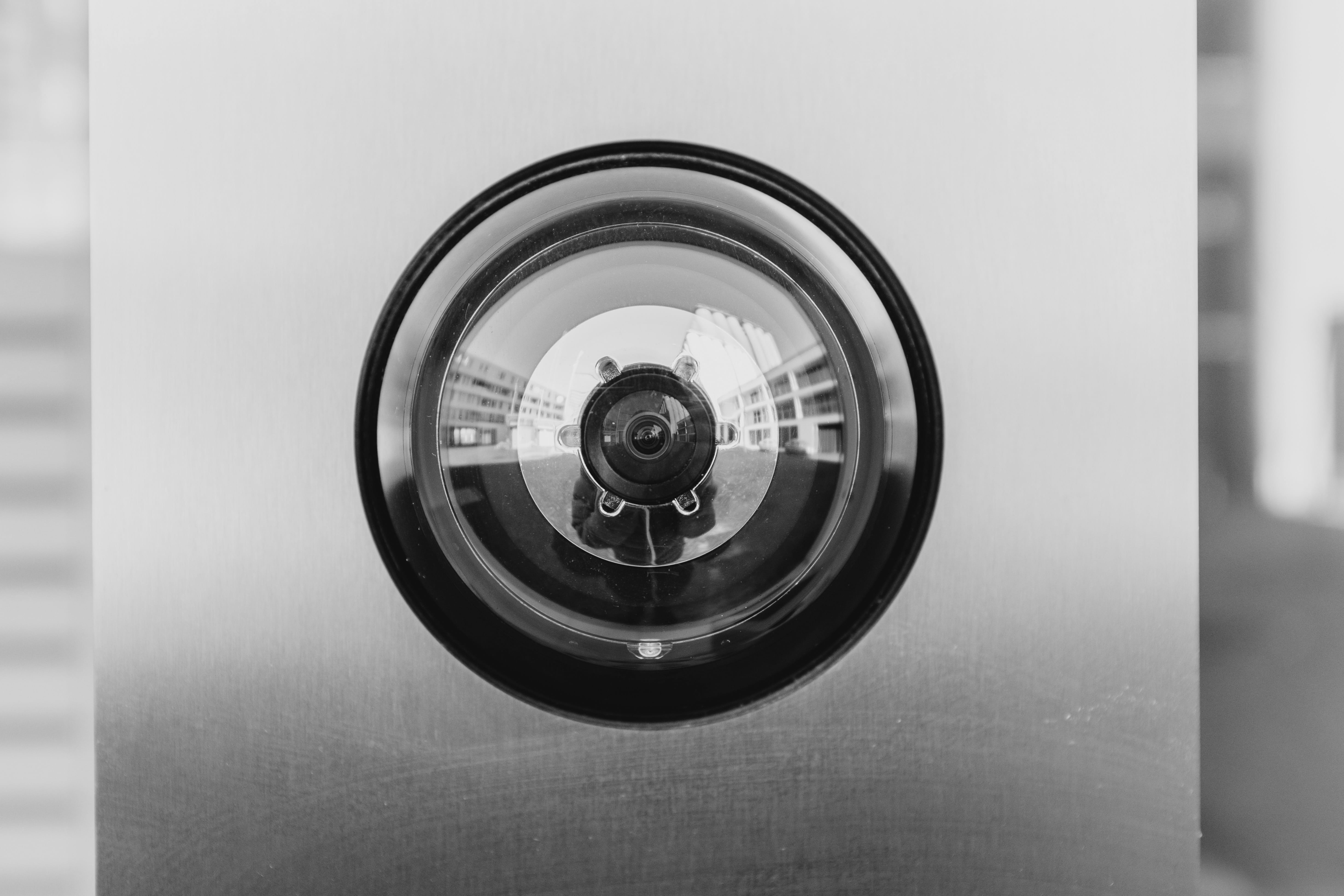
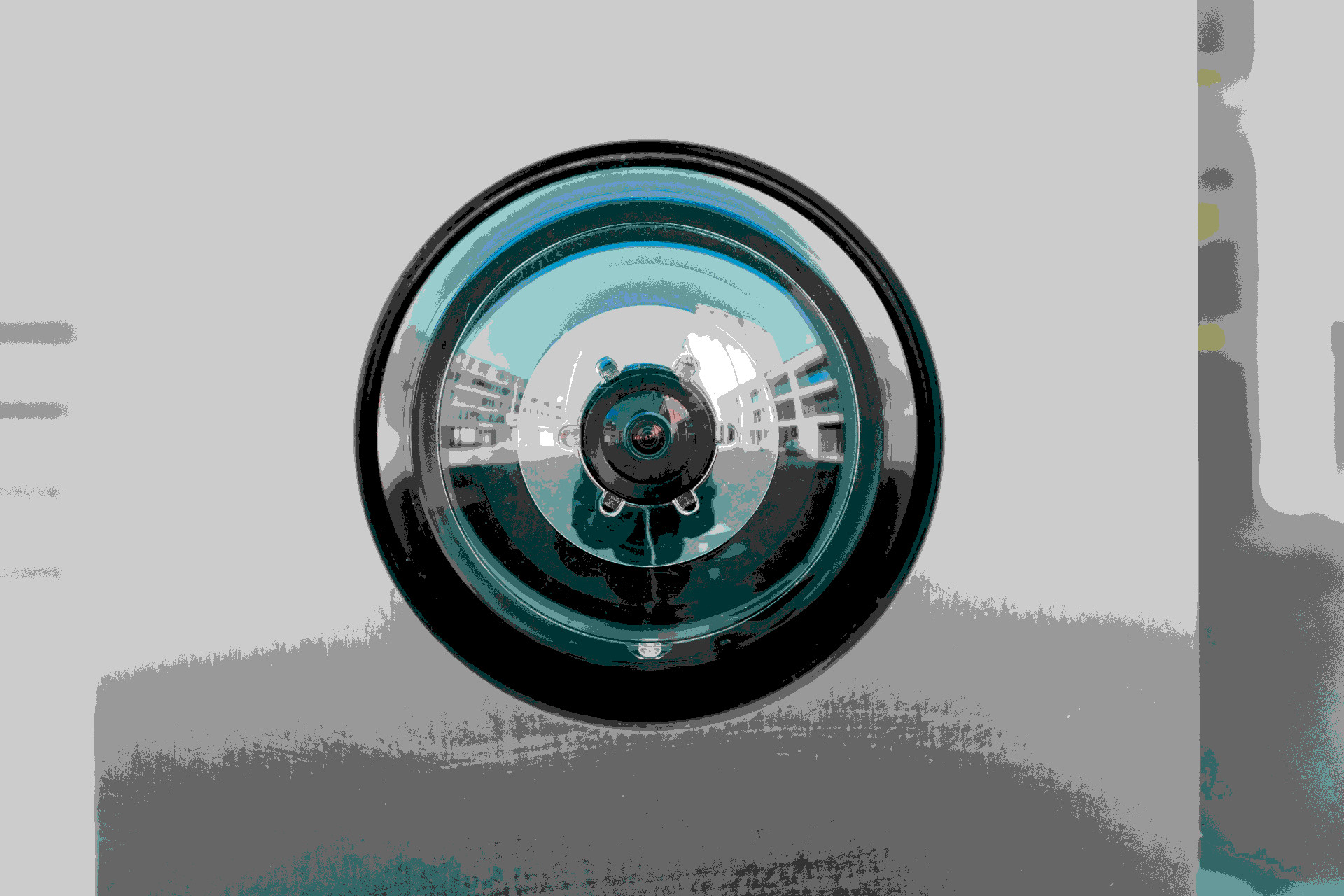
This task involved using Gimp to edit and manipulate images for web use. The images can be found below. Click the images to view them in their original sizes
Unedited Image

Greyscale Image
Indexed Image (with web optimal palette)
Scaled Image

Cropped Image

Grey Cropped Image

Task 5: File naming, file format settings and exporting images
As the files I am currently dealing with are photographs rather than graphics, I have opted to use the jpg format. Noteably, this format is signifcantly smaller than .png files, I might want to only employ .jpg in my future website, due to its fastness, some of my audience of older individuals might not have the fastest internet. Therefore I want my content to be as small as possible, so it loads faster.
I have tried to employ good file name structure, keeping the names of files in lowercase, keeping them as short (so they are easy for me to access). Files all have their own identity and are easy to distinguish, which is a common issue in website design.
Assessing quality of images
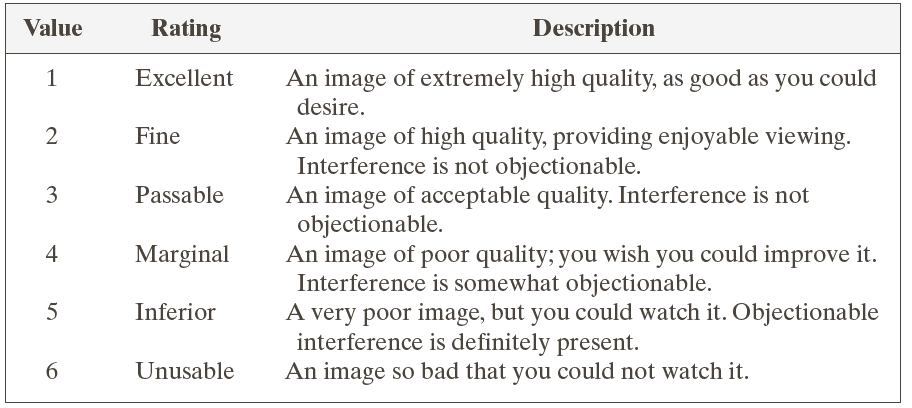
From the fidelity criteria (below), the best option for my website would be to use the 3 Passable option for my website. Although images are a key aspect, they are not the main purpose of my project, the website is meant to be fast, easy to navigate and accessible to those with limited hardware, such as slow computers or internet speeds. Therefore, it would be best to have images within the website that are viewable, but are not large files. I want to stay away from overediting images I select unless its for the purpose of simplicity.